Visitor Contact API
A simple, secure API for sending visitor inquiries and contact messages from your frontend application to Amazon College administrators.
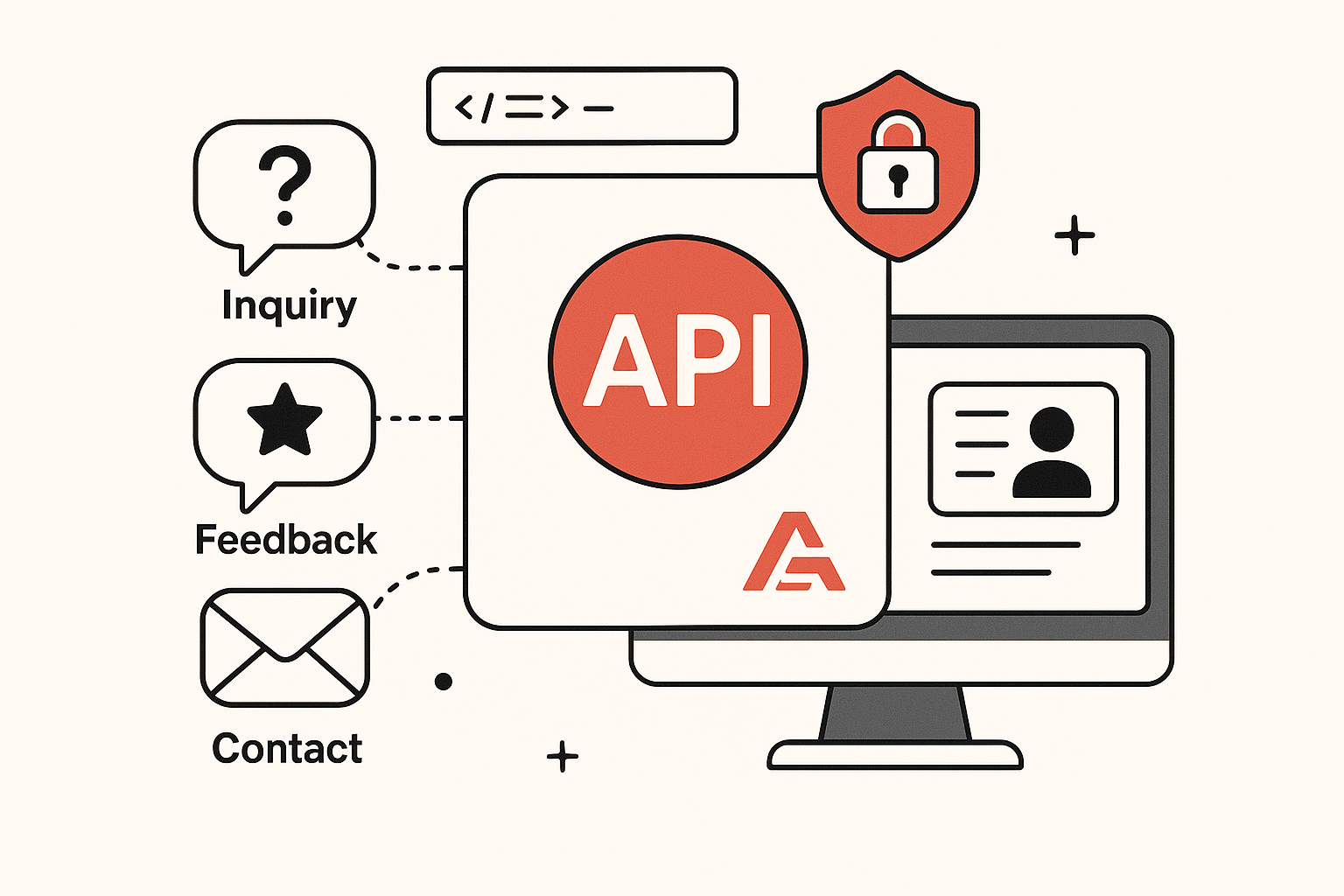
A simple, secure API for sending visitor inquiries and contact messages from your frontend application to Amazon College administrators.
The Visitor Contact API allows frontend applications to send contact messages and inquiries to Amazon College administrators without exposing sensitive email credentials to the frontend.
All API requests must include an API key in the request headers for authentication.
{
  "X-API-KEY": "your-api-key-here"
}/api/visitor/contact
Send a contact message from a visitor to Amazon College administrators.
| Parameter | Type | Required | Description |
|---|---|---|---|
| name | string | Yes | The visitor's full name |
| string | Yes | The visitor's email address | |
| subject | string | Yes | Subject of the message |
| message | string | Yes | Body content of the message |
{
  "name": "Dogan mwambikise",
  "email": "mwambikise.@example.com",
  "subject": "Course Information Inquiry",
  "message": "Hello, I would like to get more information about your computer program. Can someone contact me?"
}{
"success": true,
"message": "Email sent successfully",
"reference_id": "email-60d5fc5f5a6e8"
}{
"success": false,
"errors": {
"name": ["The name field is required."],
"email": ["The email must be a valid email address."]
}
}{
"success": false,
"message": "Unauthorized access"
}{
"success": false,
"message": "Failed to send email",
"error": "SMTP connection failed"
}Here are examples of how to integrate with our API using different frontend technologies.
// Send a contact message using Fetch API
async function sendContactMessage(formData) {
  try {
    const response = await fetch('https://amazon-college.example.com/api/visitor/contact', {
      method: 'POST',
      headers: {
        'Content-Type': 'application/json',
        'X-API-KEY': 'your-api-key-here'  // Replace with your actual API key
      },
      body: JSON.stringify({
        name: formData.name,
        email: formData.email,
        subject: formData.subject,
        message: formData.message
      })
    });

    const data = await response.json();

    if (!response.ok) {
      throw new Error(data.message || 'Failed to send message');
    }

    return data;
  } catch (error) {
    console.error('Error sending contact message:', error);
    throw error;
  }
}
import { useState } from 'react';
const ContactForm = () => {
const [formData, setFormData] = useState({
name: '',
email: '',
subject: '',
message: ''
});
const [status, setStatus] = useState({ loading: false, error: null, success: false });
const handleChange = (e) => {
const { name, value } = e.target;
setFormData(prev => ({ ...prev, [name]: value }));
};
const handleSubmit = async (e) => {
e.preventDefault();
setStatus({ loading: true, error: null, success: false });
try {
const response = await fetch('https://amazon-college.example.com/api/visitor/contact', {
method: 'POST',
headers: {
'Content-Type': 'application/json',
'X-API-KEY': process.env.REACT_APP_API_KEY // Stored in .env file
},
body: JSON.stringify(formData)
});
const data = await response.json();
if (!response.ok) {
throw new Error(data.message || 'Failed to send message');
}
setStatus({ loading: false, error: null, success: true });
setFormData({ name: '', email: '', subject: '', message: '' });
} catch (error) {
setStatus({ loading: false, error: error.message, success: false });
}
};
return (
);
};<?php
// Using PHP cURL to send a contact message
function sendContactMessage($name, $email, $subject, $message) {
$apiUrl = 'https://amazon-college.example.com/api/visitor/contact';
$apiKey = 'your-api-key-here'; // Replace with your actual API key
$data = [
'name' => $name,
'email' => $email,
'subject' => $subject,
'message' => $message
];
$ch = curl_init($apiUrl);
curl_setopt($ch, CURLOPT_RETURNTRANSFER, true);
curl_setopt($ch, CURLOPT_POST, true);
curl_setopt($ch, CURLOPT_POSTFIELDS, json_encode($data));
curl_setopt($ch, CURLOPT_HTTPHEADER, [
'Content-Type: application/json',
'X-API-KEY: ' . $apiKey
]);
$response = curl_exec($ch);
$httpCode = curl_getinfo($ch, CURLINFO_HTTP_CODE);
if (curl_errno($ch)) {
throw new Exception('cURL Error: ' . curl_error($ch));
}
curl_close($ch);
$responseData = json_decode($response, true);
if ($httpCode !== 200) {
throw new Exception(
isset($responseData['message'])
? $responseData['message']
: 'Failed to send message'
);
}
return $responseData;
}
// Example usage:
try {
$result = sendContactMessage(
'John Doe',
'john.doe@example.com',
'Course Information Inquiry',
'Hello, I would like to get more information about your programs.'
);
echo "Message sent successfully! Reference ID: " . $result['reference_id'];
} catch (Exception $e) {
echo "Error: " . $e->getMessage();
}
?>